Journal · Guide · 5 min
Mechanical keyboard sound without the mechanical keyboard
By Ziyarex ·
A butterfly-era MacBook keyboard sounds like tapping a countertop. Even the good ones since sound flat and short. Meanwhile the thing people actually enjoy about a mechanical keyboard, more than the travel or the actuation force, is the noise, the confirmation that something happened.
You can have that on a laptop keyboard for free. The mechanism is trivial: something watches for keystrokes and plays a sample. The interesting part isn't the feature, it's what the app has to be allowed to do in order to provide it.
What these apps are actually permitted to do
To hear a key press while you're typing in another application, an app has to install a system-wide event tap. On macOS that means one of two permissions:
- Input Monitoring, the app receives keyboard events, including which key, system-wide.
- Accessibility: broader still; can also send events and drive other apps.
There's no lighter option. macOS has no "tell me a key moved but not which one" API. So every app in this category, ours included, is asking for a permission that, misused, is indistinguishable from a keylogger.
That's not a reason to avoid the category. It's a reason to pick carefully, and the criteria are concrete.
Five questions worth asking before you grant it
1. Does it ask for Input Monitoring or Accessibility? Input Monitoring is the narrower of the two and the correct one for this job. An app that wants Accessibility for sound playback wants more than it needs.
2. Is it sandboxed and distributed through the App Store? Not a guarantee of anything, but it means a review process looked at the entitlements, and the app can't quietly reach outside its container.
3. Does it make network requests at all? This is the one you can check yourself. Little Snitch, LuLu (free) or a look at Activity Monitor's Network tab will tell you in a minute whether the app phones anywhere. A typing-sound app has no legitimate reason to.
4. Does it distinguish keys? Here's the tell. A sound app needs to know that a key moved, and at most which physical key so the sound can pan or vary. It does not need the character, the modifiers, or the sequence. Apps that describe their behaviour in terms of keycodes rather than text are describing the right thing.
5. Is it open source, or does someone credible vouch for it? For this category specifically, that's worth a lot.
The options
[Klack](/discover/klack), the one that made the category respectable on macOS. Excellent sample set, well-behaved, paid, and the default recommendation if you want the safest known quantity.
Mechvibes, free, cross-platform, and the community sound packs are enormous. Rougher edges, but if you want a specific board's sound recorded by an enthusiast, this is where it lives.
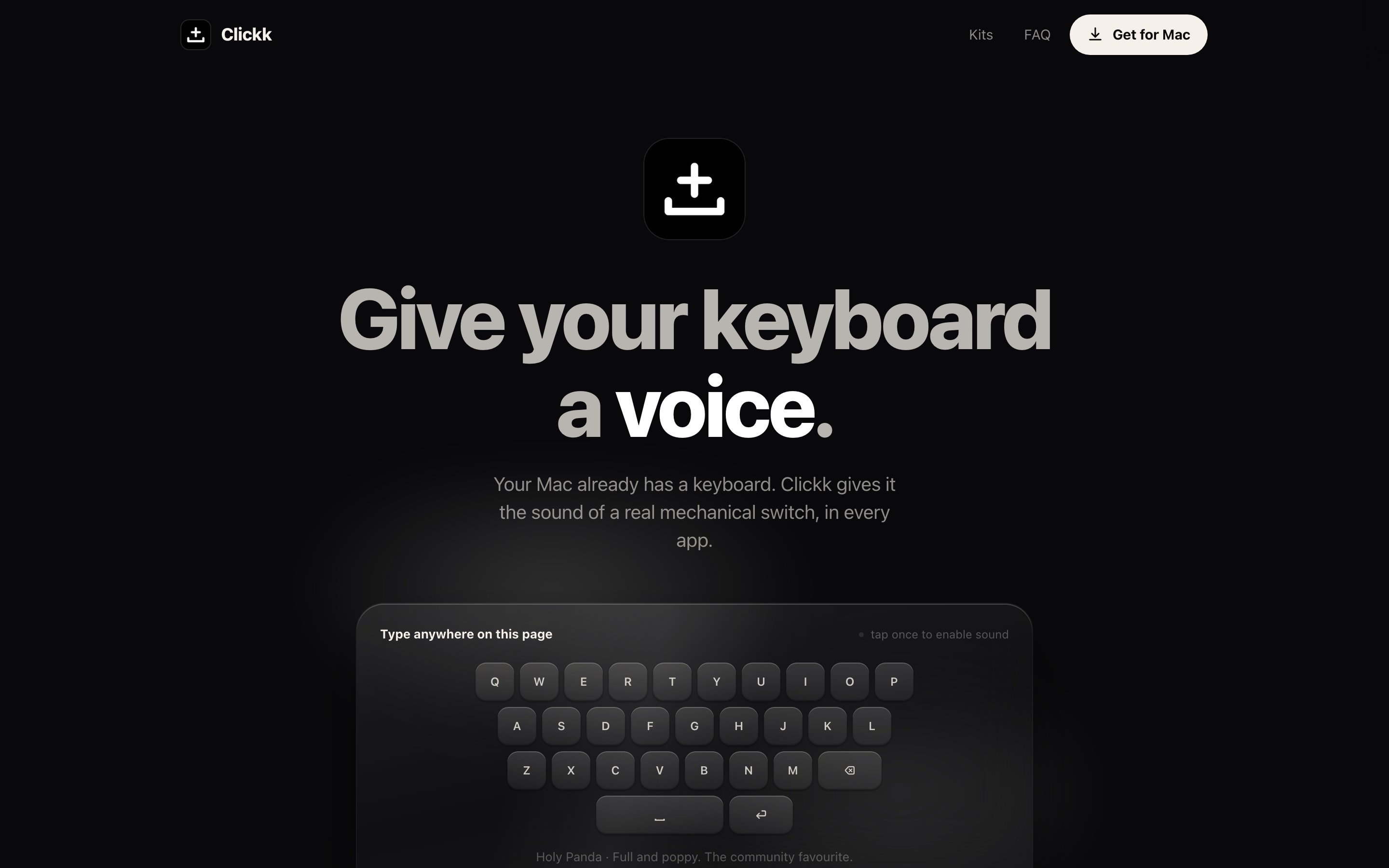
[Clickk](/store/clickk): ours. Every keystroke gets a real switch sample; it reads which physical key moved and nothing else; no characters, no logging, nothing leaves the machine. It has zero productivity value and we're not going to pretend otherwise.
An actual mechanical keyboard, genuinely the better answer if you're at a desk most of the day. Software gives you the sound; it can't give you the travel, and the travel is half the point.
Getting it to sound right instead of annoying
Three settings separate "nice" from "please stop."
Randomise the samples. A single sample repeated at typing speed sounds like a machine gun, because it is the same waveform sixty times a minute. Any decent app rotates through several recordings of the same switch. If yours doesn't, that's the reason it grates after ten minutes.
Vary by key. Spacebar and Enter on a real board are stabilised keys, deeper, rattlier, distinctly different from an alpha key. Apps that model this sound convincing; apps that don't sound like a toy.
Set the volume far lower than feels right. The sound is meant to sit under your typing, not over it. Start at the point where you can barely hear it and leave it there for a day. If you notice it, it's too loud.
And the obvious social rule: it goes off on calls, in shared offices, and in libraries. Bind a mute to a shortcut you can hit without thinking, because you will need it mid-sentence.
Why this is worth five minutes at all
Typing is the single most repeated physical action in the day for most people reading this. Making it feel better has a return that's out of proportion to the effort, it's the same argument as a good chair or a matte screen, at a fraction of the cost.
Just spend the extra minute on the permission question first. This is one of the few app categories where "it's only $5, why not" is the wrong instinct.
 Clickk