Journal · Tips · 3 min
Your wallpaper is the only always-visible pixel you own
By Ziyarex ·
Here's the failure mode of every todo app: the list lives in an app, the app lives in a window, and windows get closed. The tasks are perfectly organised and perfectly invisible. Out of sight isn't just out of mind, it's the default state of your task list.
The one surface that never closes
Your desktop wallpaper is the only pixel real estate that is always technically visible and never "open." You see it every time you close a window, every time you swipe to the desktop, every morning at first unlock. It can't be minimised. There's no badge to ignore.
Which makes it the best glanceable surface on the machine, currently used, on most Macs, for a stock photograph of a landscape you stopped seeing months ago.
Ways to put your tasks there
- Desktop widgets (built into macOS): free and native. Small cards, sit over the wallpaper, limited layout.
- A script + wallpaper generator: works if you enjoy owning the pipeline; you'll maintain it forever.
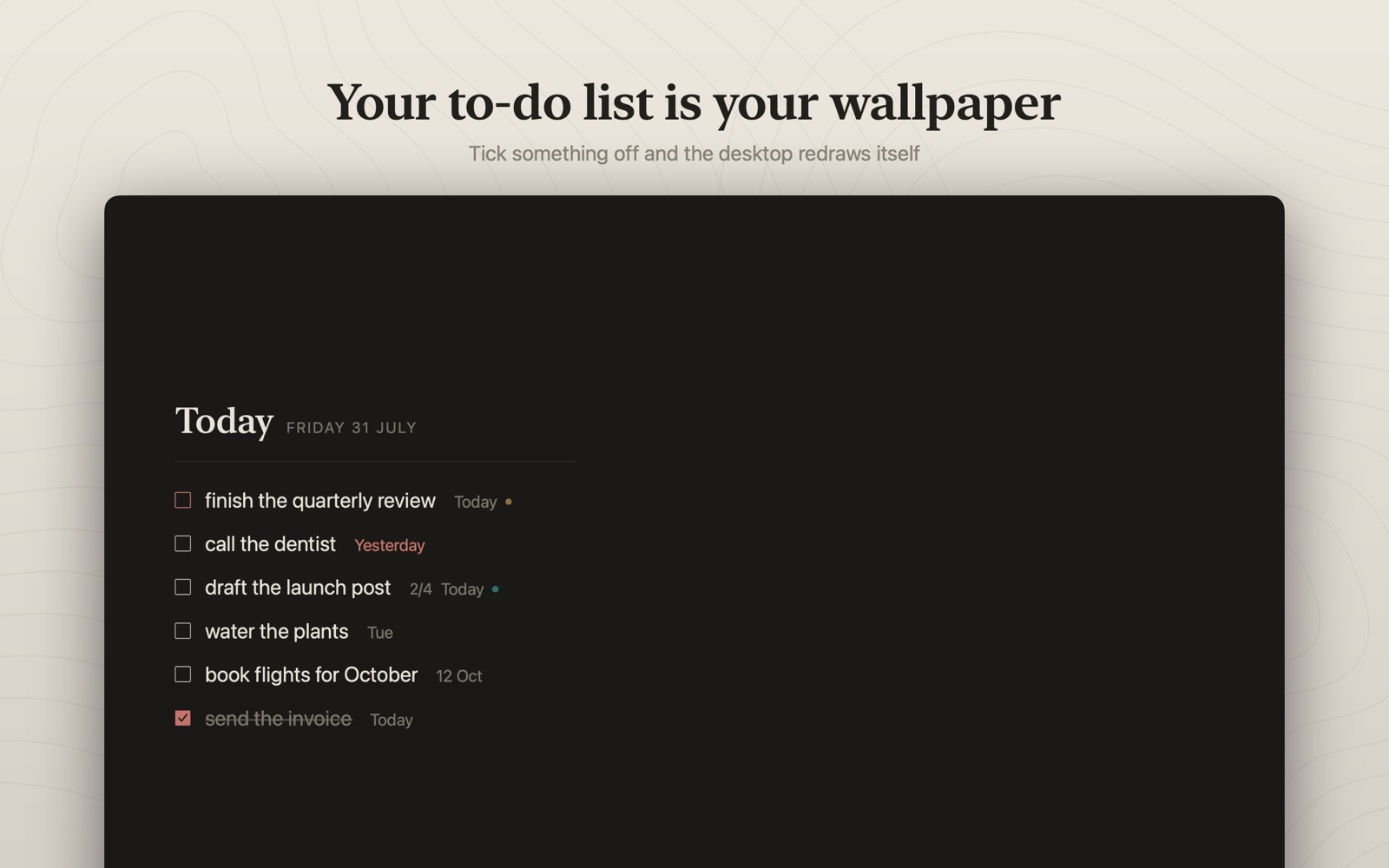
- Make the list literally be the wallpaper: this is Slate, your tasks rendered as the desktop image itself, in one of seven designed templates. Tick a task off and the wallpaper re-renders. With the Apple Reminders mirror on, saying "Hey Siri, remind me to…" puts it on your desktop.
The trick that matters regardless of tool
Keep the visible list short. The wallpaper works because it shows today, not your hundred-item backlog. A glanceable surface showing everything is just noise with better typography.
 Slate
Slate