A macOS notch utility: Dynamic-Island live activities plus a drawer with widgets and a file tray. Apple Silicon, macOS 15+.
What it’s for, in plain terms
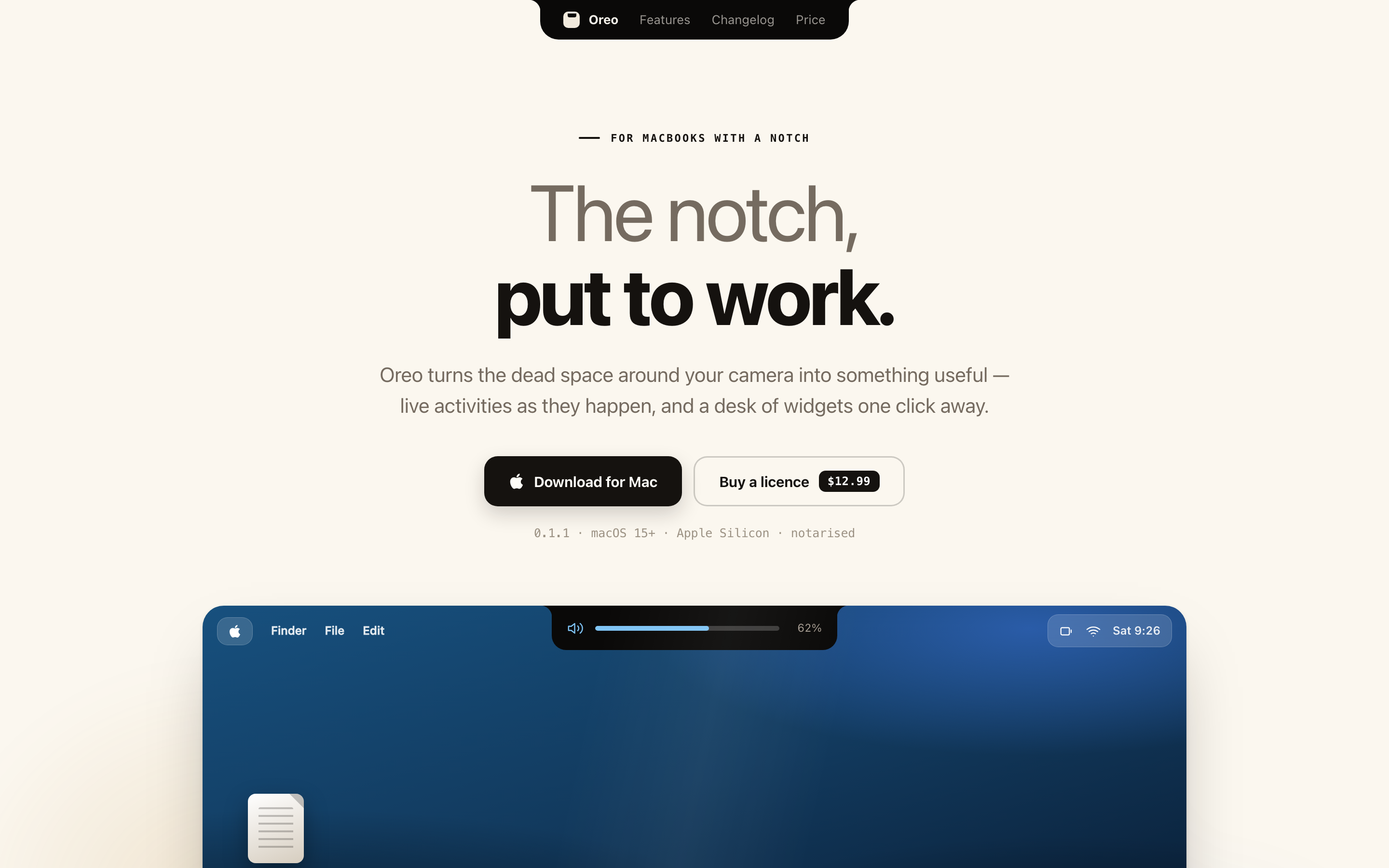
The notch on your MacBook is a hole in the screen you paid for. Oreo turns the space around it into somewhere useful: what's playing, what's running, and a shelf to park files on.
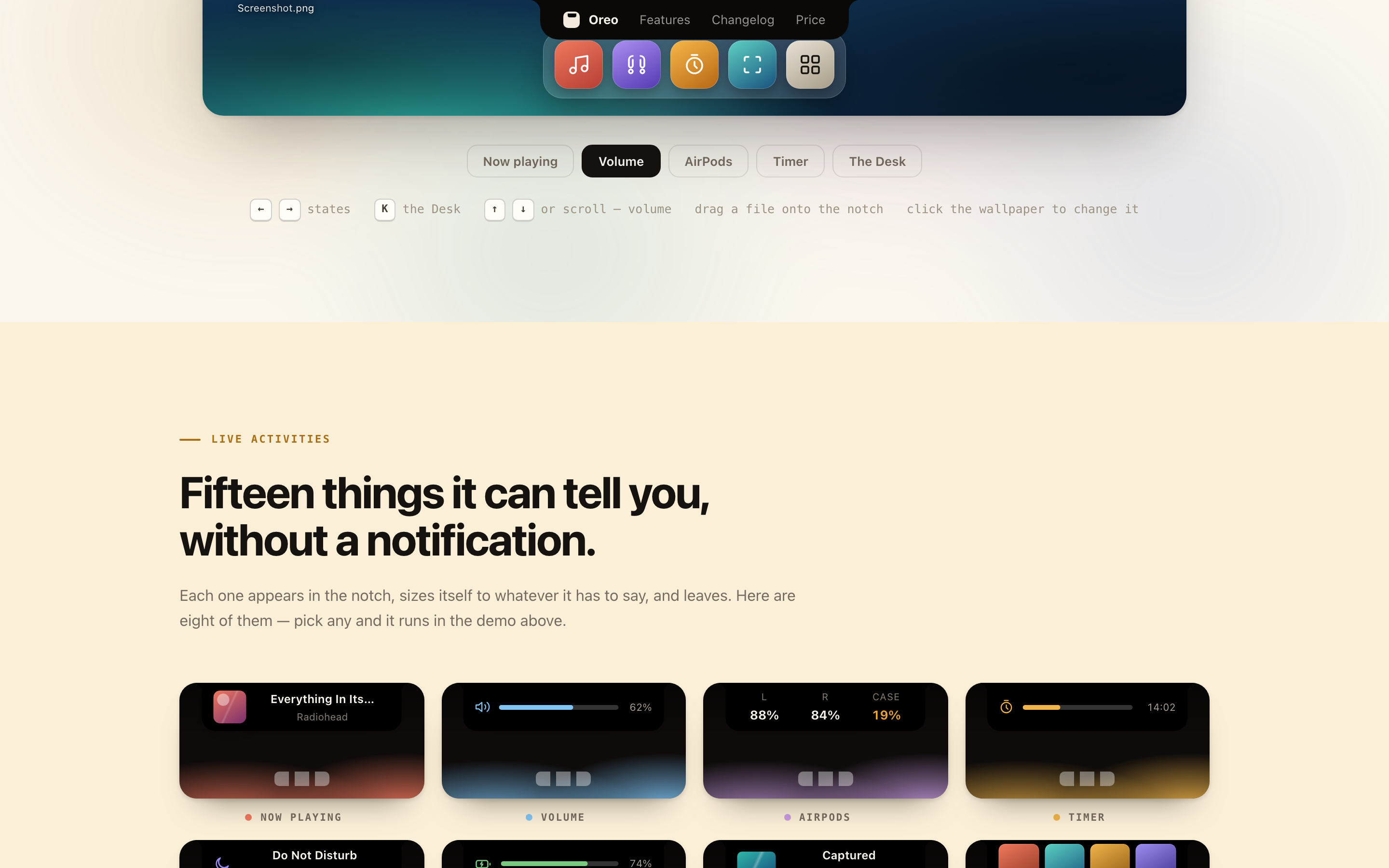
Now playing lives in the notch and expands when you point at it. No app switch, no window, no cover art taking up a corner of the screen.
Drag it into the notch and let go. It waits there while you find the other app, another desktop, or the right folder, then you drag it out.
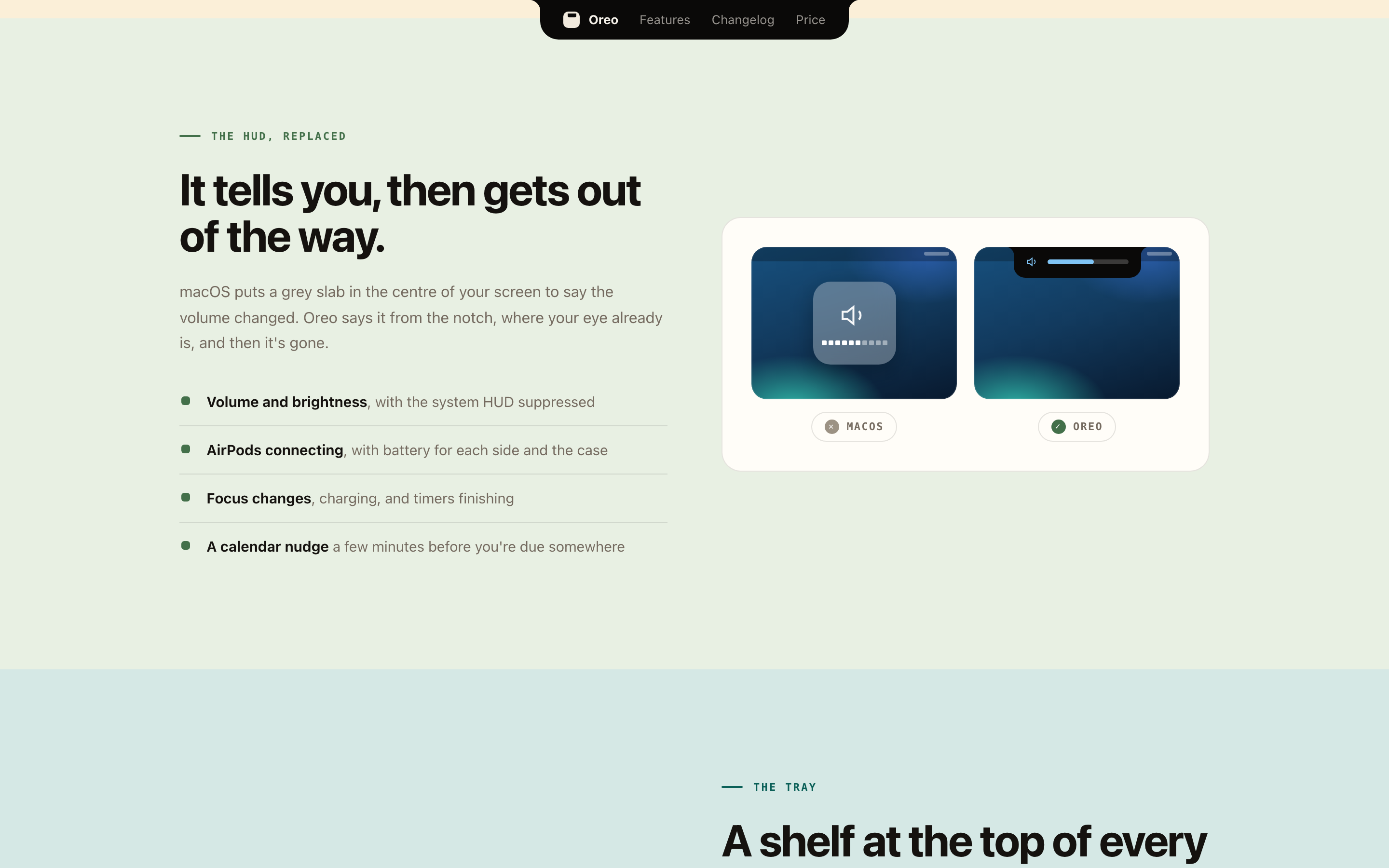
Volume, brightness and AirPods connecting show up as small capsules at the top of the screen instead of the big translucent square in the middle of whatever you were watching.
Timers and background tasks stay visible up there while you work, so you stop checking on them.
Getting the best out of it
- Hover, don't clickAlmost everything expands on approach. If you find yourself clicking, you're working harder than the app expects.
- Use the tray for the awkward movesDragging between spaces or full-screen apps is where the shelf earns its place. Park it, switch, take it out.
- It's one price for all your Macs$12 once, not per machine and not per year.
- Check your Mac firstIt needs a notch, Apple Silicon and macOS 15 or newer. On anything older there's nothing for it to live in.
What it does
Now playing, timers and background tasks. Live in the notch, expanding on hover.
A drawer of widgets under the notch: calendar, media, quick controls.
Drop files into the notch and park them mid-drag.
Volume, brightness, AirPods connecting. Quiet capsules instead of system HUDs.
A ~4 MB download. Swift 6, Apple Silicon, macOS 15+.
Every Mac you own. No subscription.
Screenshots
Recent releases
Full Oreo changelog →More from Ziyarex
 SlatemacOS
A todo app whose list is your wallpaper.
Your tasks, rendered straight onto the desktop. Tick one off, the wallpaper updates.
Get app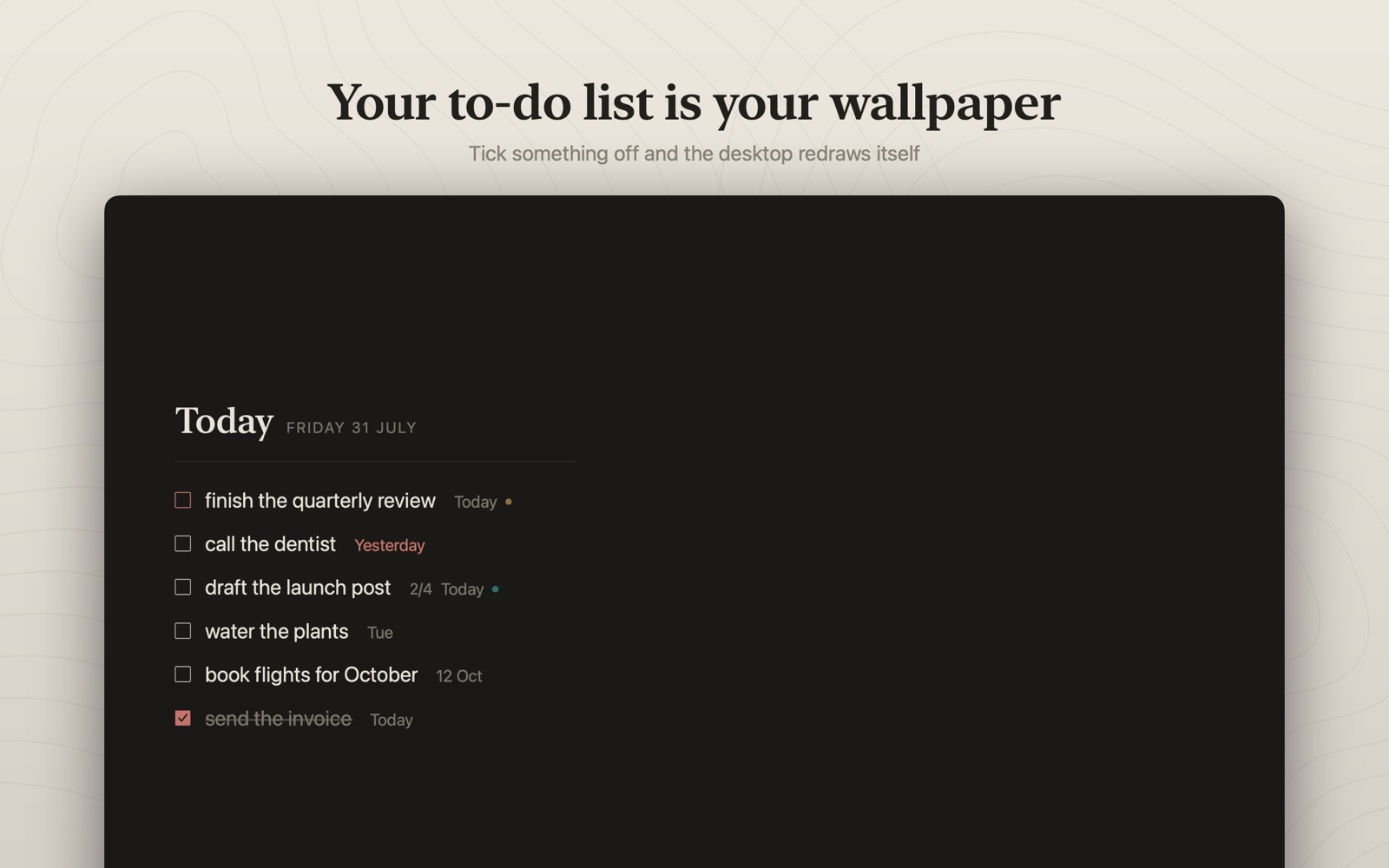
 ClickkmacOS
Mechanical keyboard sounds for every keystroke.
Every keystroke sounds like a real switch. Nothing you type is ever read.
Get app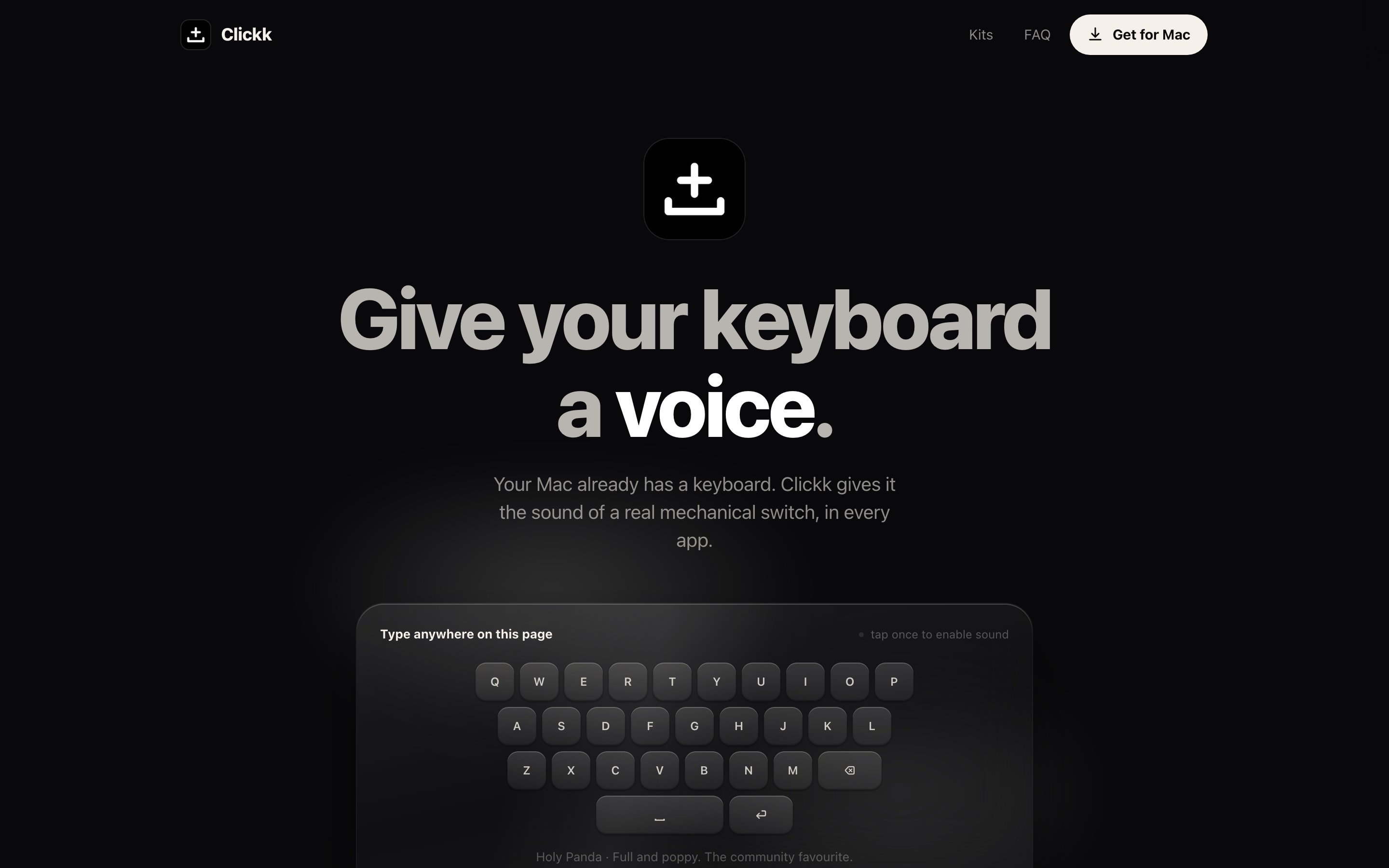
 ueueiOS
Save any link. Actually get to it.
Every “watch later” in one calm queue: phone, Mac and browser.
Get app