Journal · List · 4 min
Five menu-bar apps that earn their keep
By Ziyarex ·
The macOS menu bar is prime real estate that fills up like a junk drawer. Every app wants an icon; most icons do nothing you'll ever click. Here are five that keep earning their pixel, three by other people, two by us. (Yes, we're biased about those two. The other three are the proof we mean it.)
1. Ice, the landlord
Free and open source, Ice hides the icons you don't need until you do. The menu-bar app that manages menu-bar apps. Install it first; everything else on this list lives under its rules.
2. Raycast: technically everywhere, visibly nowhere
Raycast barely shows an icon at all, it lives one keystroke away. Launcher, clipboard history, window management. The rare tool that replaces three others.
3. Shottr, the specialist
Shottr sits quietly until you need a screenshot measured, OCR'd, or annotated, then it's absurdly fast. Nearly free, from one developer.
4. Insomniac: ours, for one specific job
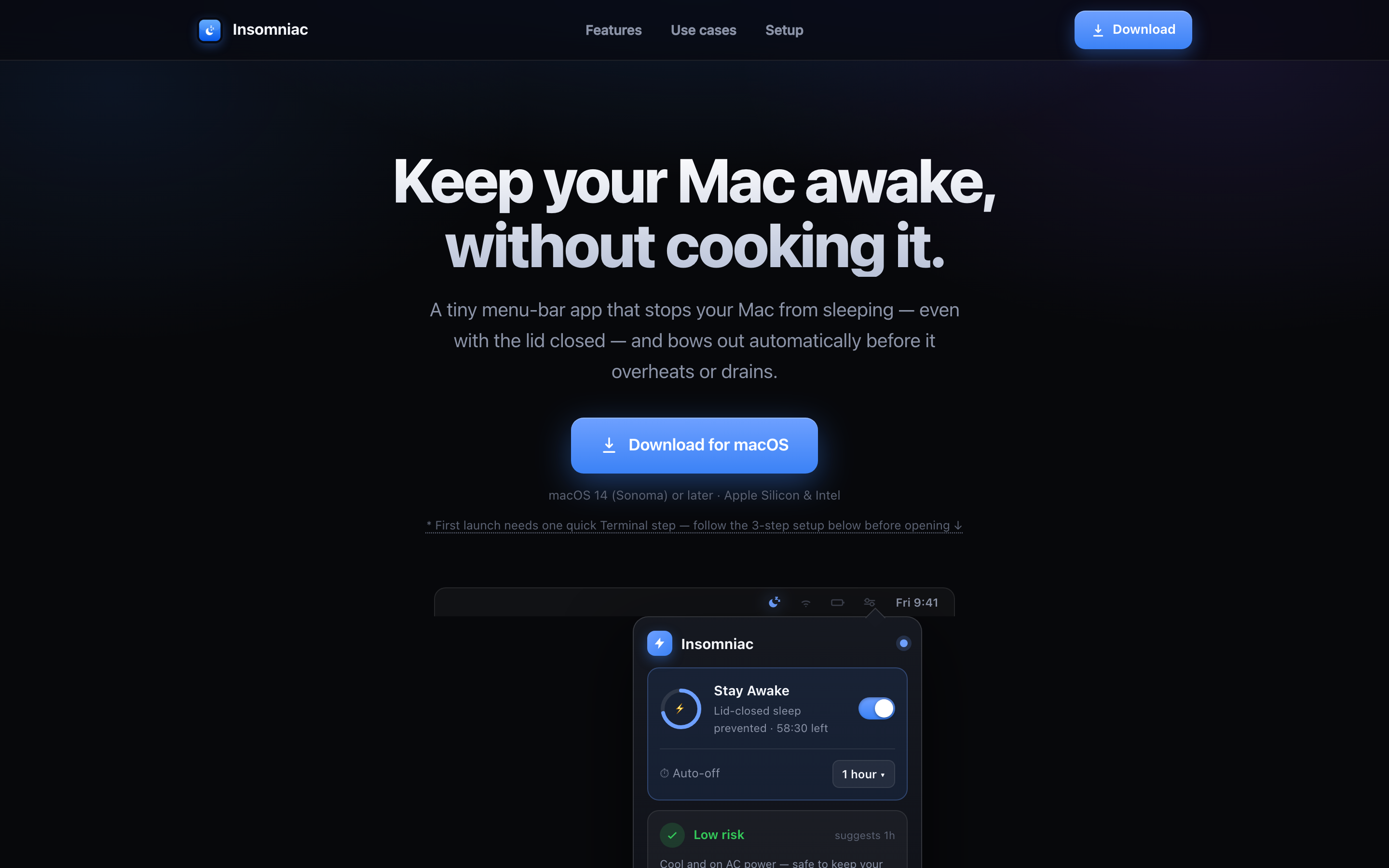
Insomniac does one thing: keeps the Mac awake with the lid closed, with a thermal safety layer watching the heat. If you never close your lid mid-task, you don't need it. When you do, nothing else does the job as simply.
5. Clickk: ours, purely for joy
Clickk makes every keystroke sound like a real mechanical switch. It reads which physical key moved and nothing else, no characters, no logging, nothing leaves the machine. Zero productivity value. Maximum typing pleasure. (Klack did it first, and it's excellent too.)
The rule of thumb
Audit the bar monthly: if you can't remember the last time an icon helped you, it's furniture. Ice can hide it, or you can be honest and uninstall.
 Clickk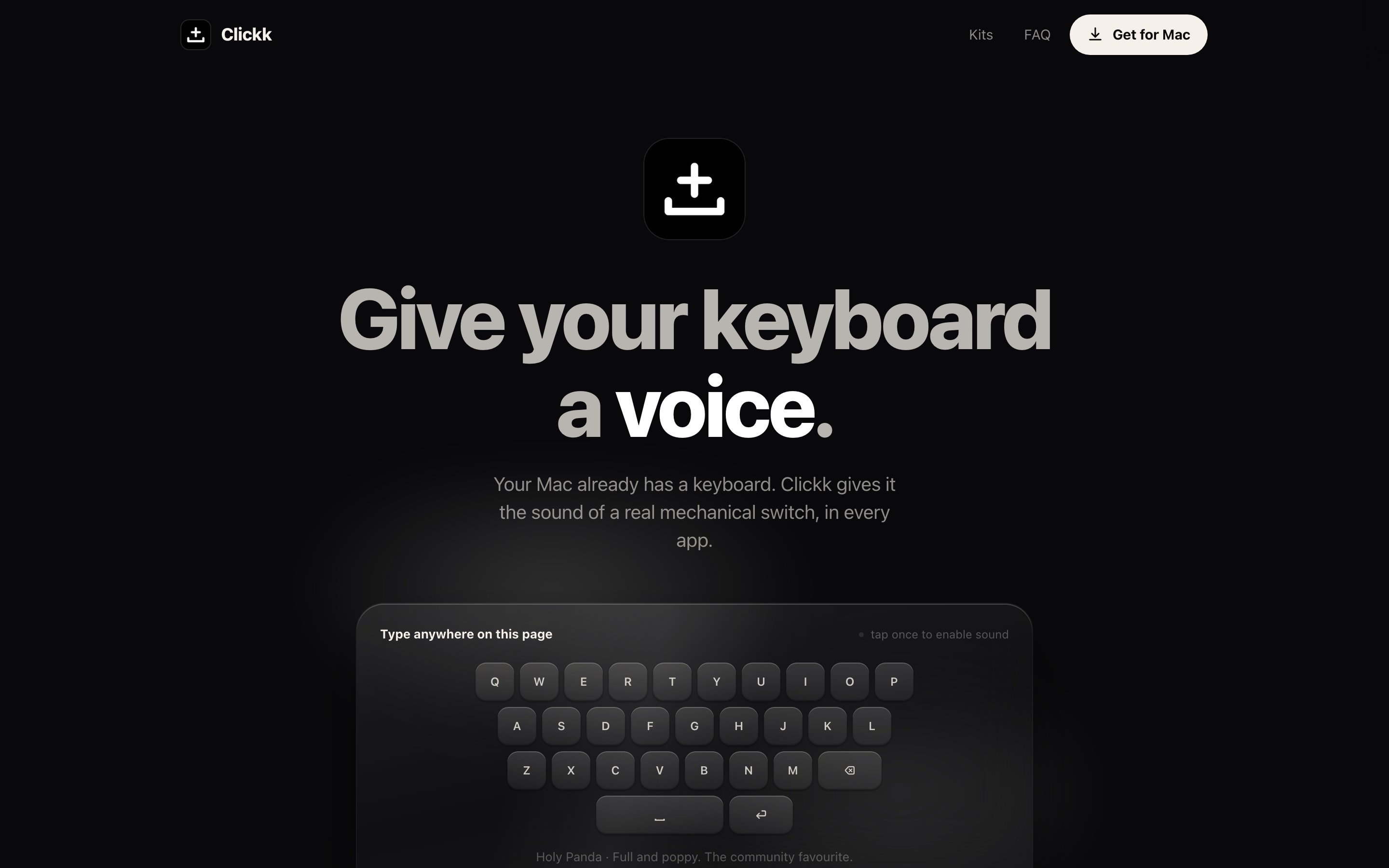
 Insomniac