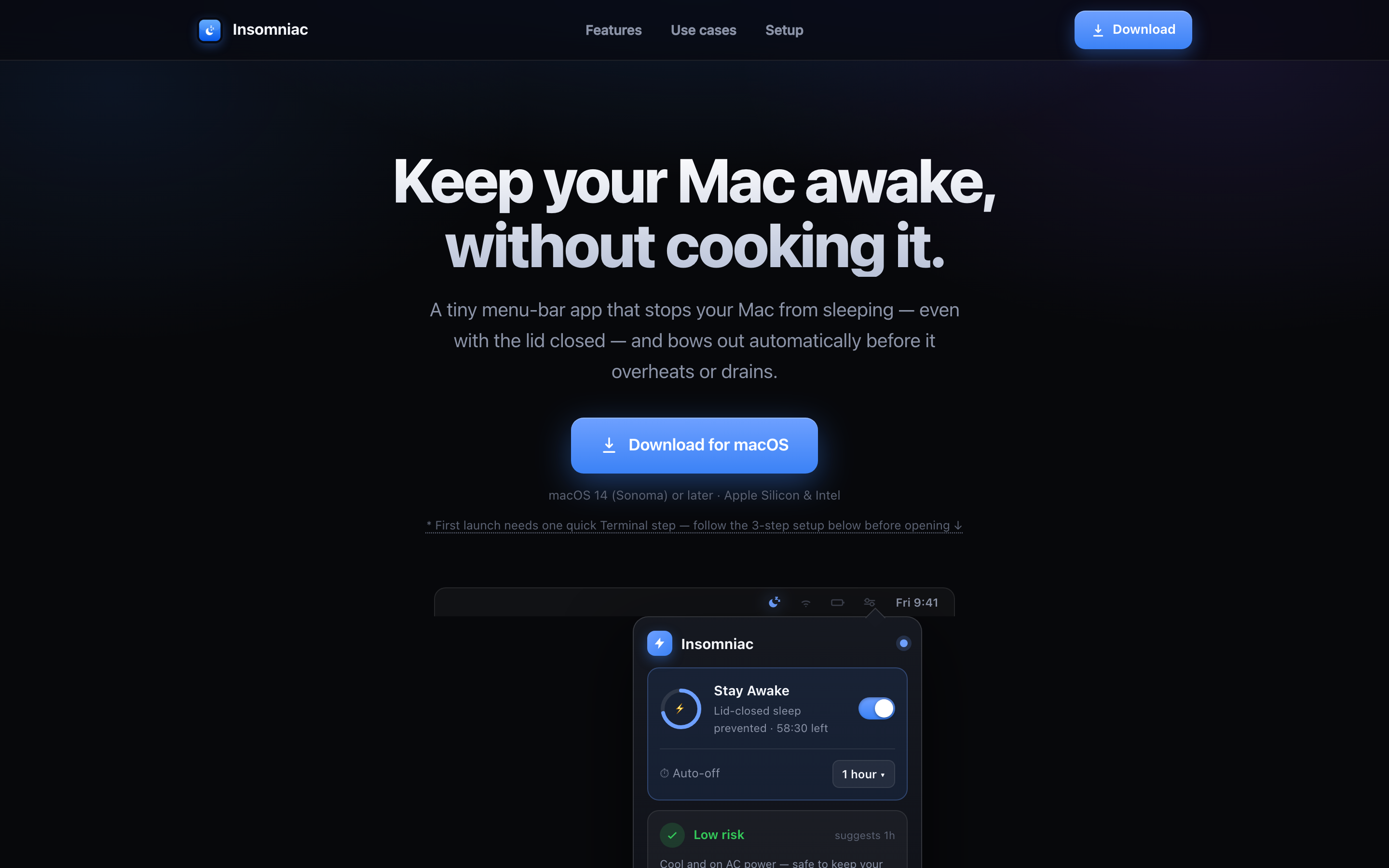
A menu-bar utility that prevents clamshell sleep with no external display attached, paired with a live thermal-safety layer that auto-stops before things get too hot.
What it’s for, in plain terms
Long jobs die when a Mac falls asleep. Insomniac keeps it awake for as long as you choose, watches how hot it's getting while it does, and switches itself off before that becomes a problem.
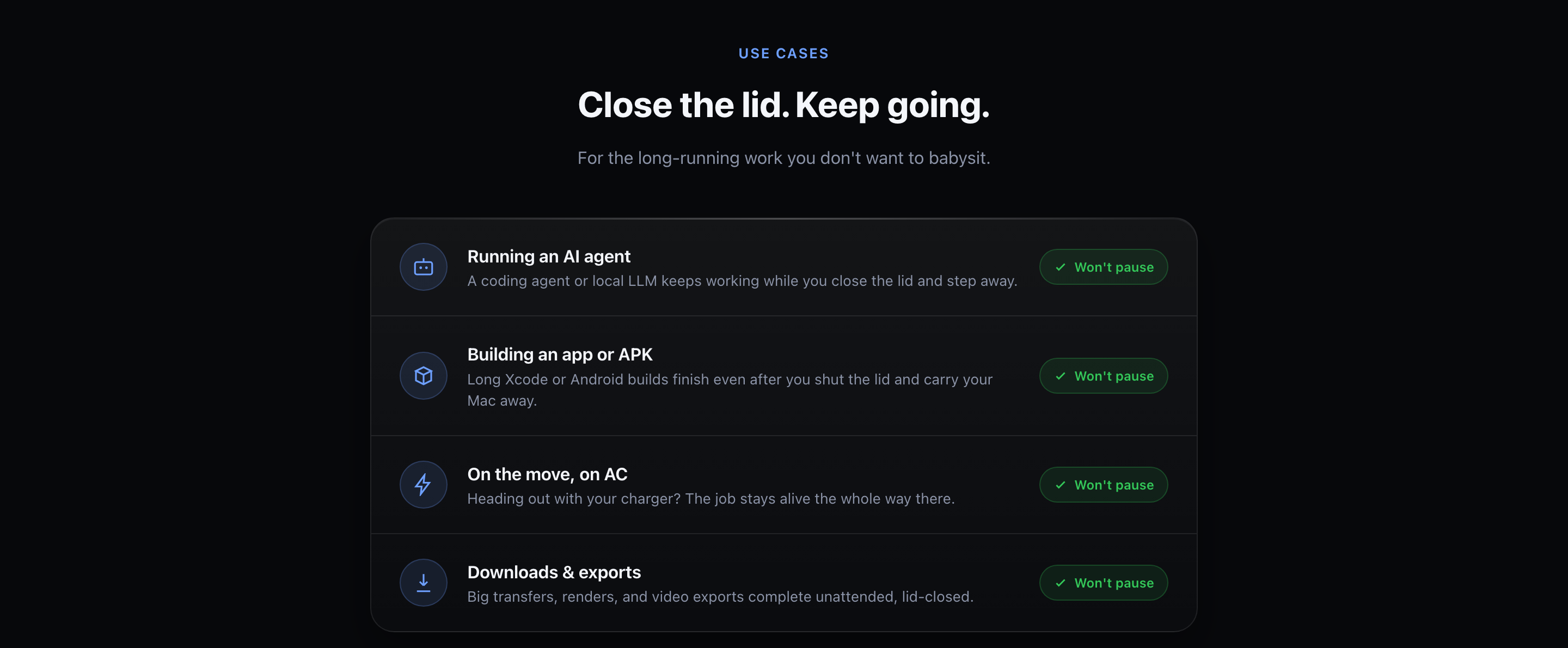
Set the duration, walk off. The Mac stays up for the job instead of sleeping ten minutes after you leave, and the timer ends it without you remembering to.
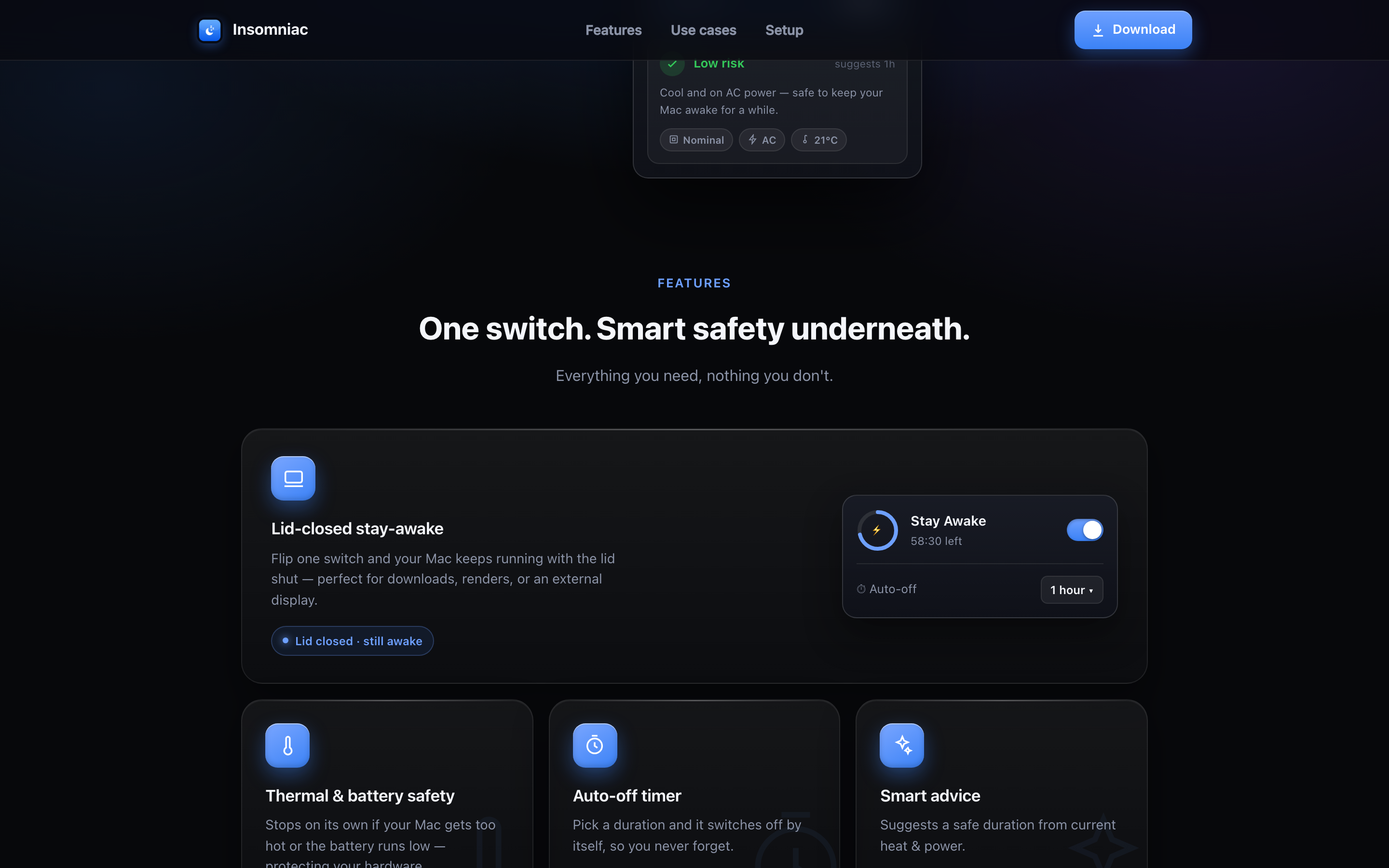
Insomniac reads the machine's live thermal state, tells you how long staying awake is safe right now, and stops on its own if it gets too warm or the battery gets low.
Turn the display off and let the job continue, rather than leaving a bright screen on for hours in an empty room.
Be careful here: on Apple Silicon, closing the lid always sleeps the Mac and no app can override that, so a closed-lid run needs clamshell mode, an external display on power. On Intel Macs a closed lid does hold. The app tells you which of those you're on rather than promising the other one.
Getting the best out of it
- Take the duration it suggestsThe suggestion comes from the current heat and power state, not a default. It's the difference between keeping a Mac awake and cooking one.
- Plug in for anything longOn AC power the safe window gets dramatically longer, and the safety layer will say so.
- Use the auto-off timer as the normal way to run it“On until I remember” is how a Mac ends up awake overnight. Pick an hour; it's one click.
- It's free, and it does one thingNo scripts, no triggers, no schedules. If you want that kind of control, Amphetamine is the better tool and we say so on the comparison page.
What it does
Prevents clamshell sleep with no display, power or keyboard attached.
A live thermal layer watches the heat and auto-stops before it gets unsafe.
Tells you how long closed-lid is safe right now, based on the machine's state.
Set it and forget it, safely.
One switch. No dock icon, no subscription.
Apple scans every release, so it opens with no warning and no Terminal step. Updates are signature-checked.
Screenshots
Recent releases
Full Insomniac changelog →Honest alternative: we also list Amphetamine on the Discover shelf, the gold standard for keeping a mac awake. See the comparison.
More from Ziyarex
 SlatemacOS
A todo app whose list is your wallpaper.
Your tasks, rendered straight onto the desktop. Tick one off, the wallpaper updates.
Get app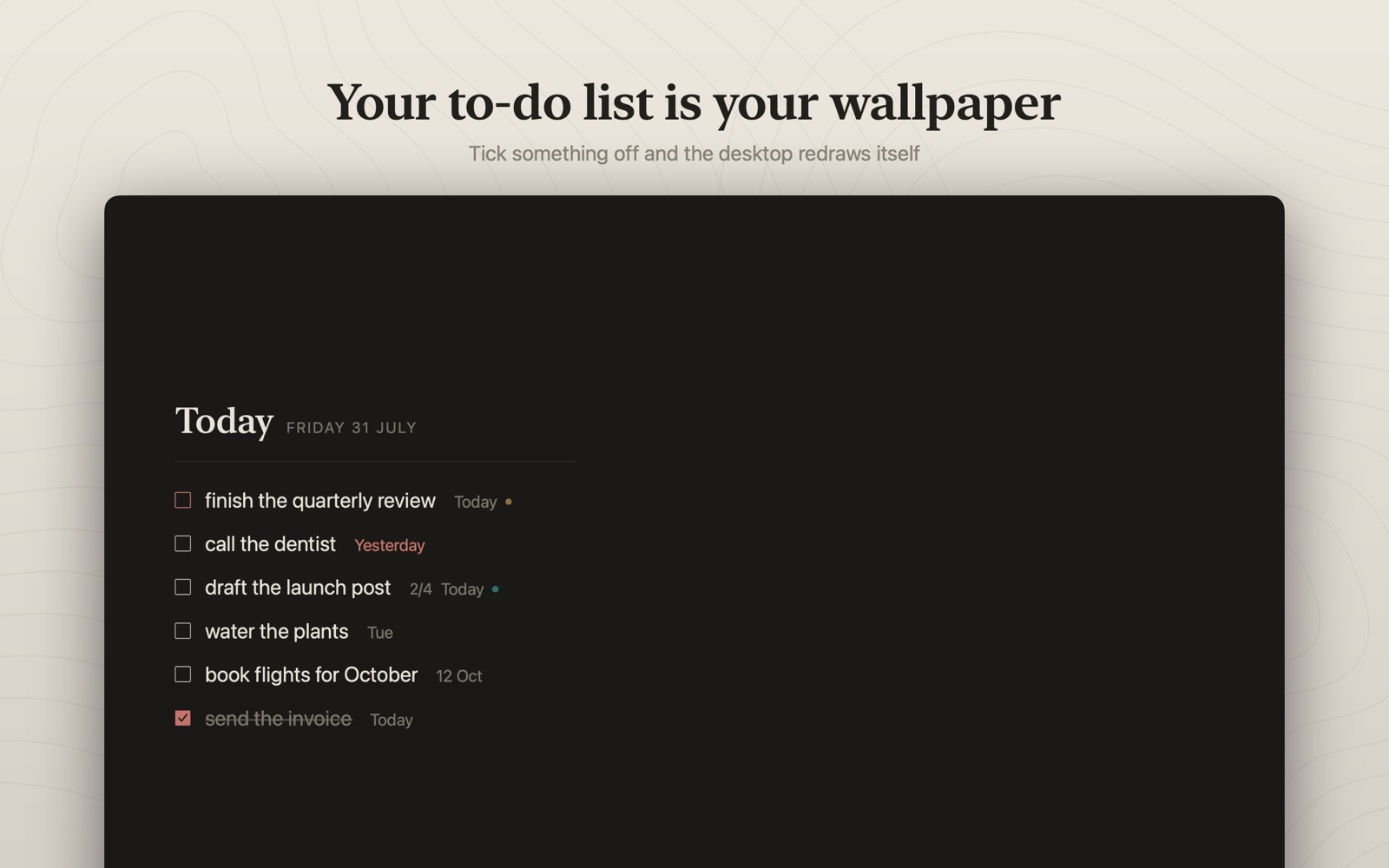
 OreomacOS
Live activities and widgets in your Mac's notch.
Now playing, timers and a file tray. Living in the notch you already have.
Get app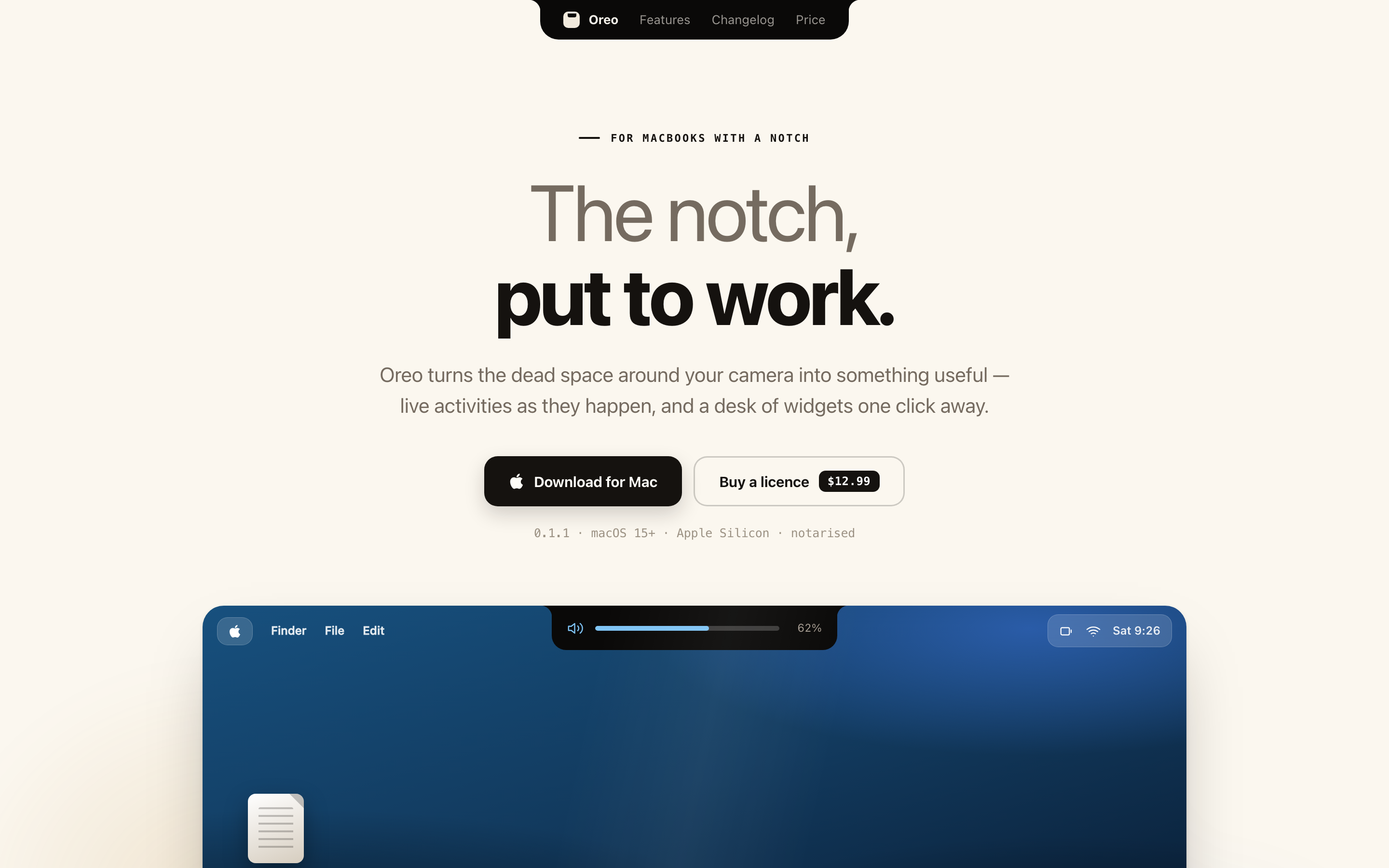
 ClickkmacOS
Mechanical keyboard sounds for every keystroke.
Every keystroke sounds like a real switch. Nothing you type is ever read.
Get app