YouTube for learning rather than for watching: tell Prism what you're trying to learn and it reads each video's transcript to score how useful it actually is, then grades the video section by section so you can skip the filler. Focus Play stitches the relevant stretches across a whole project into one run, notes attach to the timestamp they belong to, and Shorts, comments and the sidebar can be hidden while you work. Chrome extension plus web app.
What it’s for, in plain terms
YouTube is ranked to keep you watching, which is a different goal from yours when you're learning something. Prism reads what a video actually says and ranks it against the thing you're trying to learn.
Tell Prism the goal. It reads each video's transcript, scores how useful it is against that goal, and shows you why it matched, so the useful hour rises above the popular one.
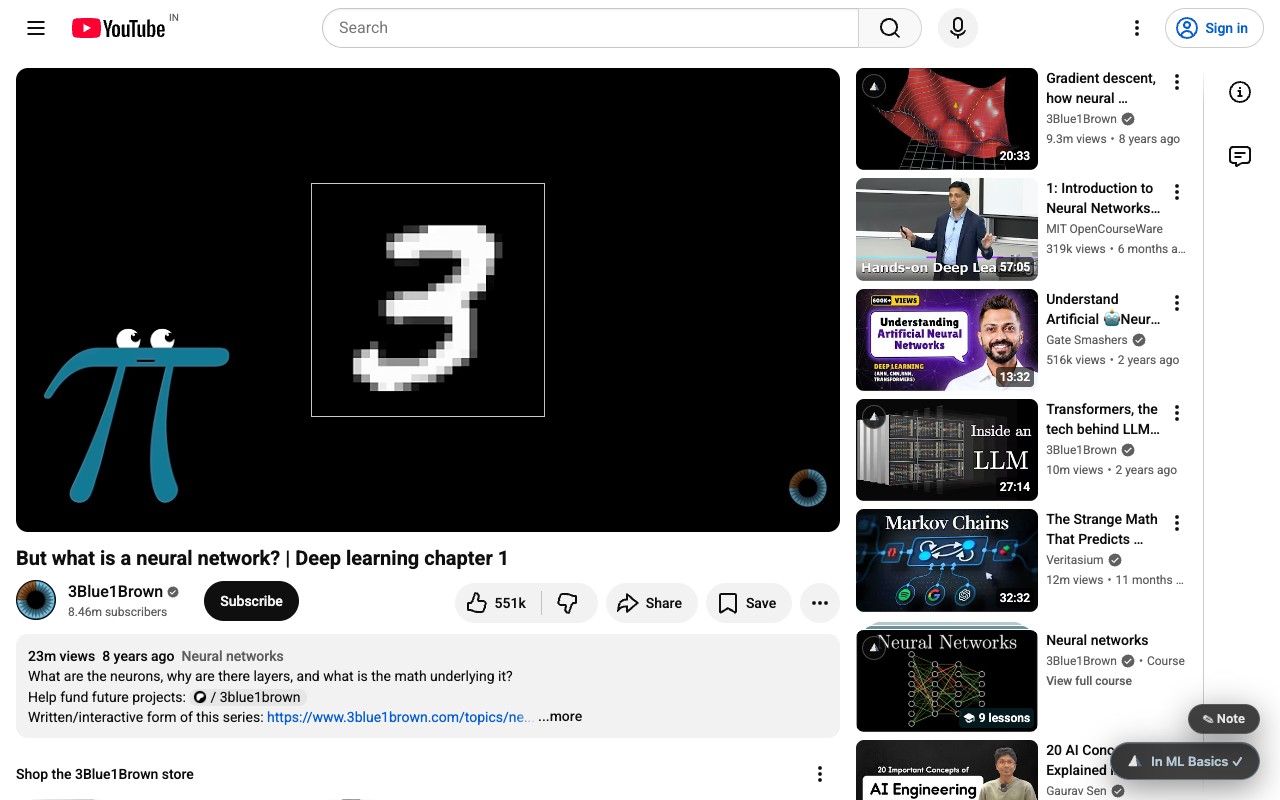
Every video is split into sections and graded by relevance, so you can jump to the part that answers your question. Focus Play stitches the useful stretches across a whole project into one clean run.
Notes attach to the timestamp they belong to, inside the project you were working on, so revisiting is a scroll rather than a re-watch.
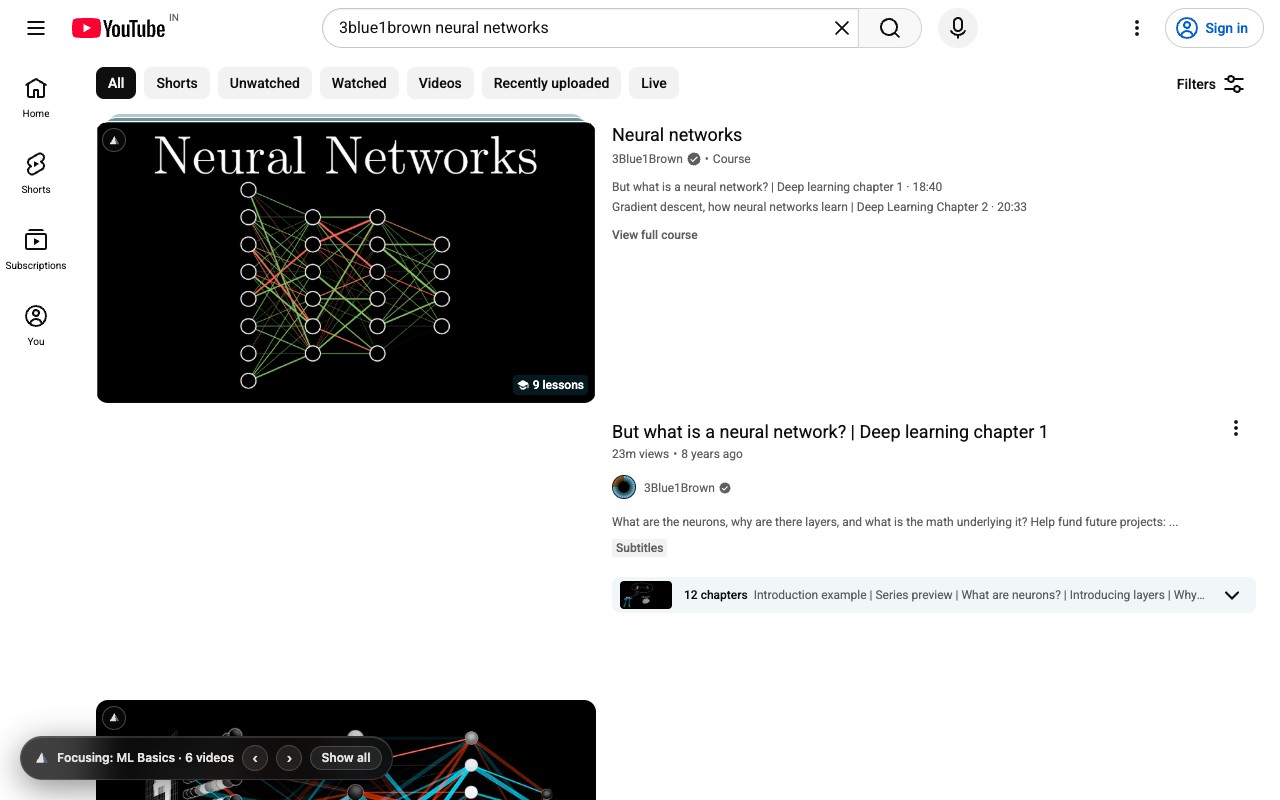
Hide Shorts, comments and the sidebar while you're in a project. The page stops selling you the next thing.
Getting the best out of it
- Write the goal like a brief, not a keyword“Get a Next.js app onto Vercel with a Postgres database” scores far better than “nextjs”. Scoring is only as good as the sentence you give it.
- Use Focus Play on a long playlistThis is where it saves hours rather than minutes: one supercut of the relevant sections across everything in the project.
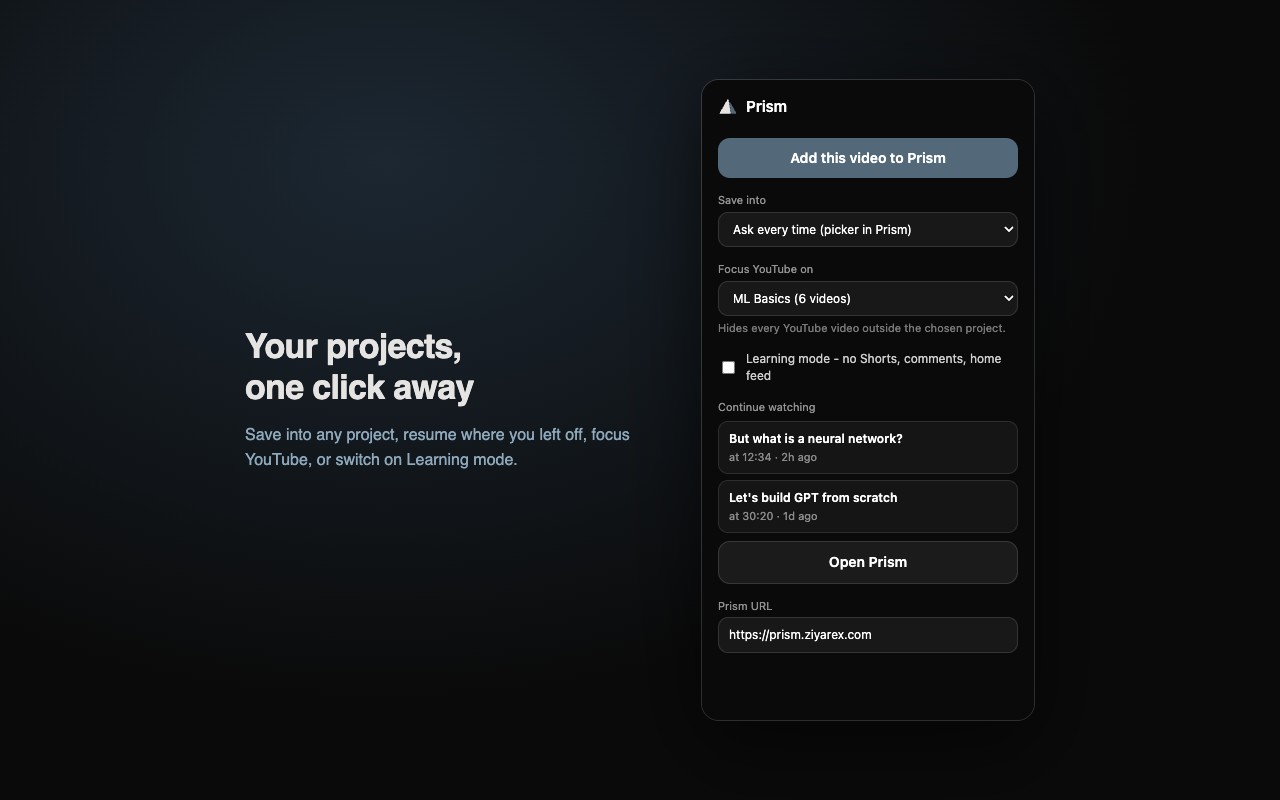
- Add the extension, keep the web appThe extension saves and cleans up the page you're already on; the web app is where projects, notes and Focus Play live.
- Check the match before you commit an hourA low score with a good thumbnail is exactly the video that used to cost you the afternoon.
What it does
Tell Prism what you're learning and it reads each transcript to score how useful the video is, and shows you why it matched.
Every video is split into sections and graded by relevance, so the sponsor read and the intro are visibly separate from the walkthrough.
Stitches the relevant sections across a whole project into one clean run. A two-hour talk becomes the fifteen minutes you needed.
Notes attach to the moment they belong to, inside the project, so review is a scroll rather than a re-watch.
Hide Shorts, comments and the sidebar while you're in a project.
The extension cleans up and saves the page you're on; the web app holds projects, scores and Focus Play.
Screenshots
Recent releases
Full Prism changelog →More from Ziyarex
 ueueiOS
Save any link. Actually get to it.
Every “watch later” in one calm queue: phone, Mac and browser.
Get app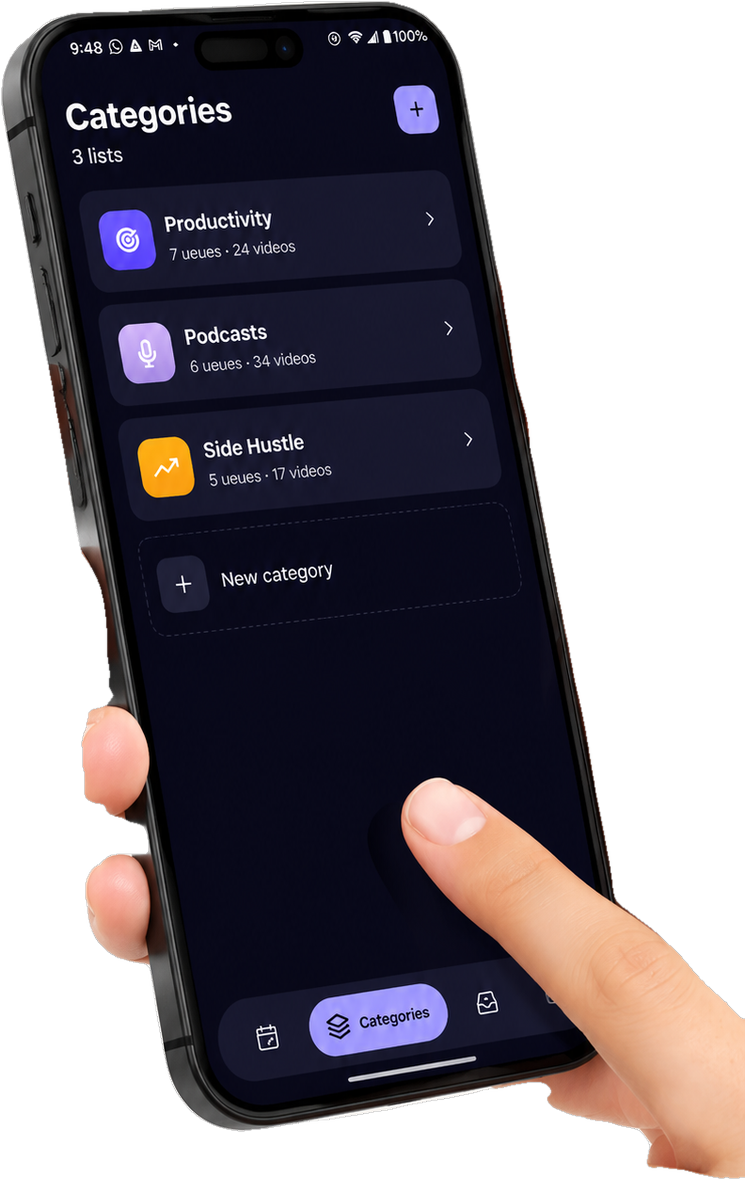
 Cat ModeChrome
Blocks your keyboard so the cat can't.
One click makes the keyboard cat-proof. The video keeps playing.
Get app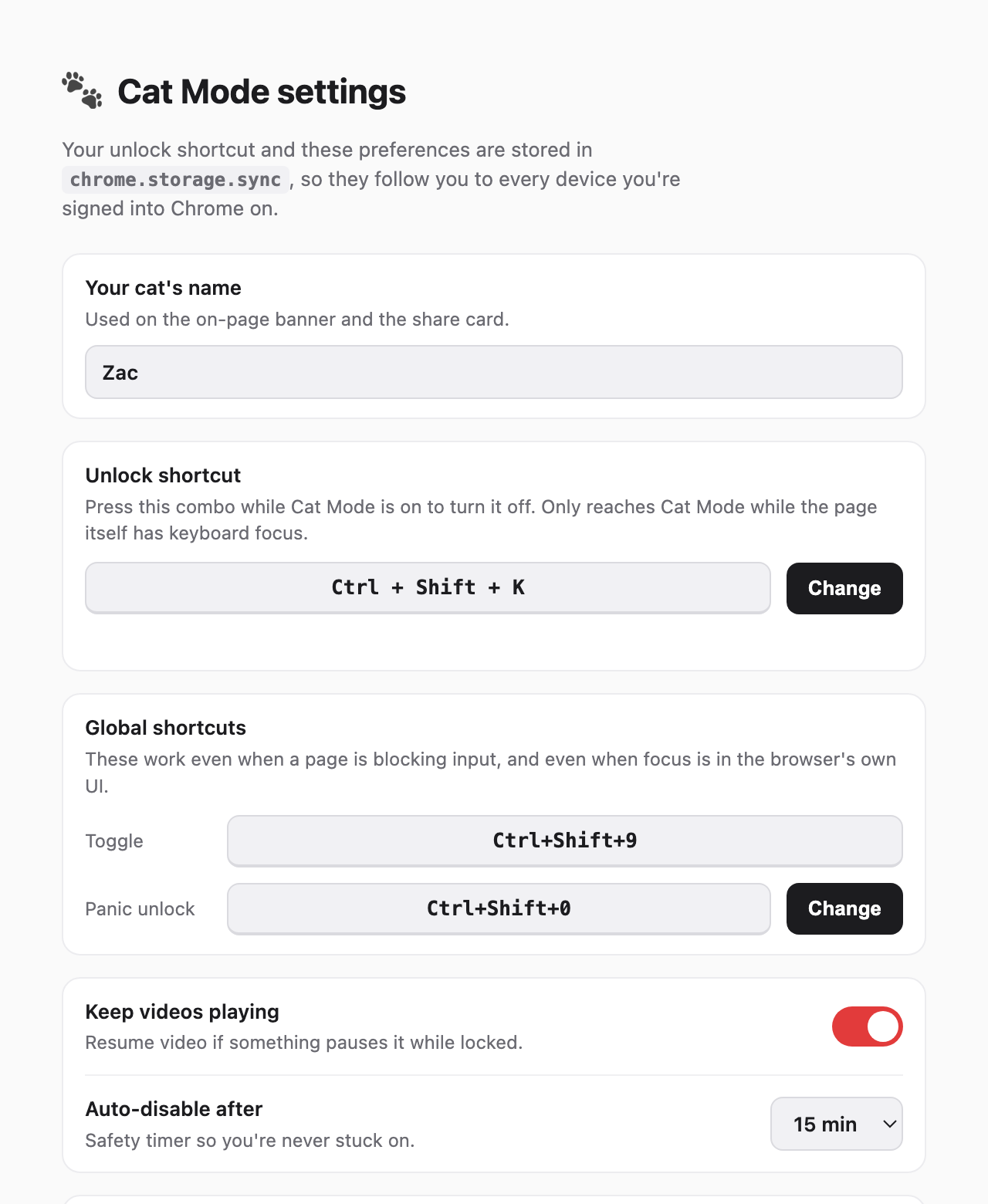
 Salute ButtonWeb
Smash the button. Salute the greats.
Smash the button. Salute the greats. That’s it, and it’s great.
Try it