Journal · Essay · 6 min
The read-later graveyard: why most saved links die
By Ziyarex ·
Count your saved links. Then count how many you've read. Everyone who does this arrives at roughly the same ratio, and it's not close to half.
The interesting question isn't why you're undisciplined. You're not: you read plenty. The question is why this particular system produces a graveyard when your inbox, your calendar and your actual reading habits don't.
There are four mechanics, and they compound.
1. Saving is a completion ritual
When you tap Save, something in your head files the item as handled. The tension of "I should read this" resolves. You get the small satisfaction of having dealt with it, and you get that satisfaction whether or not you ever read the thing.
That's the core defect. The action that's supposed to create an obligation instead discharges one. A todo list where writing the item down made you feel like you'd done it would be obviously broken. This is that, and it's invisible because the reward is so small and so immediate.
2. The queue has no cost of entry
Saving is one tap, free, instant, unlimited. Reading is twenty minutes you have to find.
Any system where adding is nearly free and removing is expensive grows without bound. It's the same maths as a warehouse with a loading dock and no shipping door. Nothing about your character changes this; it's structural. An unbounded inbox with no scheduled processing time becomes a graveyard by default, and the only surprising thing is that we keep expecting otherwise.
3. A link's value decays much faster than you think
You saved that article because of a state you were in: a project you were on, a decision you were making, an argument you'd just had. Two months later, the article is intact and the state is gone. The thing that made it interesting isn't in the link.
This is why cleaning out an old queue feels so easy and so strange. You look at forty saved items and delete thirty-five without hesitation. You're not being ruthless. You're just no longer the person who saved them, and you can tell instantly.
Practically: most links are worth reading within about a week of saving, or not at all. The half-life is short.
4. There is no consumption slot
Everything that survives in your life has a time attached. Email has the gaps between meetings. Books have bedtime. Podcasts have the commute. Read-later has… whenever?
It has no slot, so it competes with everything at once and loses to all of it. A queue with no scheduled time isn't a queue. It's a pile.
The fixes that actually hold
None of these are about willpower, because willpower is exactly what the four mechanics above exhaust.
Cap the queue. Pick a number, twenty is a good one, and refuse to exceed it. To save the twenty-first thing, something has to go. This restores the cost of entry that the tap-to-save button removed, and it's remarkable how much better your saves get when the slot is scarce.
Save with a reason, in three words. "For the pricing bit." "Because Ana asked." "Counterargument to X." Later, this is the only thing that tells you whether the state that made it valuable still exists. Untagged links are unreadable to your future self.
Book the slot. Twenty minutes, same time, most days. The specific time matters far less than it being a time. Read-later without a reading time is a saving hobby.
Delete first, read second. Start each session by binning everything you don't want to read right now. Not "eventually": now. This takes two minutes and does more for the queue than any amount of reading.
Set an expiry. Anything untouched after thirty days goes automatically. If your tool can do this, turn it on; if it can't, do it manually once a month. Yes, you'll lose a few good things. You were never going to read them, and the sunk-cost preservation of a 400-item backlog costs you more than those few pieces were worth.
What this means for the tool you pick
Most read-later apps optimise for the wrong half. They compete on capture (share sheets, browser buttons, one-tap saving from anywhere) because capture is the easy part to build and the easy part to demo.
The hard part, and the part that decides whether you get anything out of the system, is the return trip. Does the app show you a shortlist or an archive? Does it surface today's five, or all 412? Does it make deleting as fast as saving?
That's the design brief we set ourselves with ueue: a queue you can actually clear, on whichever device you're holding: iPhone, Android, Mac, Chrome. Prism is the same idea confined to the browser, where most people's watch-later problem lives.
But be clear about the order of operations. The tool is a distant second. Cap the queue, book the slot, delete first. Do those three with Apple Notes and you'll read more than you will with the best app in the category and none of them.
Related: where everyone landed after Pocket shut down, and our honest comparison of the alternatives.
 ueue
ueue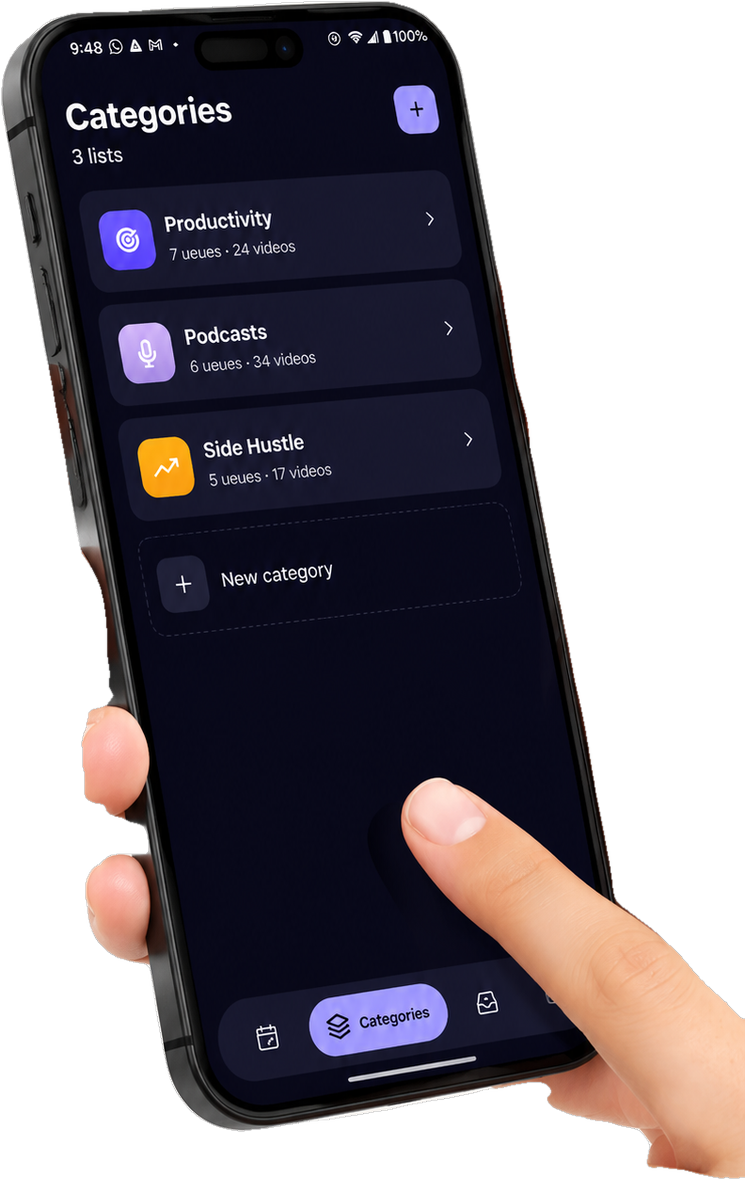
 Prism
Prism